Audio ML models need synthetic training data across millions of acoustic environments — real recordings alone can’t provide that scale. This post covers how I built a distributed simulation pipeline to generate 10 million scenes worth of audio data, turning what would be ~20 years of compute and petabytes of output into a tractable, parallelized workflow.
1. What is Acoustic Scene Simulation?
In high school physics, we learned that sound is a wave, and waves reflect off surfaces. So when you hear a sound, it is not just the direct wave traveling from the source to your ears. It also includes reflections bouncing off the walls, floor, ceiling, and every object in between. What you ultimately perceive is the sum of all of these paths.
This means the sound you hear depends not only on what is being emitted, but also on how those waves interact with the environment before reaching you. It gets even more interesting: the shape of your ears themselves influences how you interpret sound. The subtle geometry of the outer ear affects directionality and spatial perception in ways unique to each person.
Layer on top of that any ambient noise in the vicinity, like a dog barking, an alarm, or traffic outside, and what you finally hear is a rich, complex mix of all these sources shaped by the space around you.
Acoustic Scene Simulation is exactly that: a computational reproduction of this real-world phenomenon. You take a raw audio signal and simulate how it would sound within a specific acoustic configuration — a particular room, environment, listener position, and noise profile.
In this post, I use scene to mean one concrete simulation instance: a room geometry, one or more sound sources, one or more listener or microphone positions, acoustic parameters like reverberation, and the input audio signals attached to those sources. Once those values are fixed, the simulator can compute the room impulse responses and render the output audio for that scene.
For example, in Pyroomacoustics, a simple scene is a Room or ShoeBox with sources and a microphone array attached to it:
import numpy as np
import pyroomacoustics as pra
from scipy.io import wavfile

fs, speech_audio = wavfile.read("speech.wav")

room_dim = [9, 7.5, 3.5]
room = pra.ShoeBox(room_dim, fs=fs, max_order=12)

room.add_source([2.5, 3.7, 1.8], signal=speech_audio)

mic_locs = np.c_[
    [6.3, 4.87, 1.2],
    [6.3, 4.93, 1.2],
]
room.add_microphone_array(mic_locs)

room.compute_rir()
room.simulate()
That one room, source placement, listener placement, and signal is one scene. Change the room dimensions, move the source, change the listener position, or swap the noise profile, and you have a different scene.
There’s a lot of depth to unpack here (room impulse responses, HRTFs, convolution-based rendering, and more), but for the purposes of this post, I’ll leave the physics there and focus on the infrastructure. If you want to go deeper on the acoustics side, check out this primer on room impulse response simulation and HRTF interpolation.
2. Why Simulation Data is Essential for Audio ML?
Audio ML models — speech enhancement, noise suppression, speech-to-text — require training data that spans a huge range of acoustic conditions: different room sizes, reverb profiles, noise types, microphone placements, and listener positions. The model needs to have seen it all, or close to it, to generalize.
Real-world recordings cannot provide this at scale. Every recording requires physical setup, controlled conditions, and careful labeling. You cannot exhaustively vary room geometry or listener position across millions of samples in a studio.
Simulation solves both problems. You define the acoustic configuration programmatically, run the simulation, and get the output audio alongside the exact ground truth by construction. Want 10 million rooms with randomized geometry, source count, and noise profiles? That is a config change, not a logistics problem.
This is why large-scale simulation pipelines exist: real data is scarce and expensive; simulated data is cheap and arbitrarily diverse. The challenge is making that generation fast and tractable at the scale Audio ML teams actually need.
3. The Scaling Problem
3.1 Compute Cost per Simulation Unit
One simulation run is expensive: minutes of CPU time per scene. That is manageable in isolation, but at 10 million scenes it adds up to roughly 20 years of compute. Even aggressive multiprocessing on a single machine does not bring that down to a practical runtime.
3.2 Output data volume
Each scene produces two broad categories of output:
- Impulse responses (IRs): two per source-listener pair (anechoic and reverberant IRs) — a short fingerprint (~1000 samples, ~6 KB) of how sound from that source travels to that listener
- Output audio: multiple files per listener — the input signal convolved with all IRs for that listener, producing the final anechoic, reverberant, and multiple mixed audio files
At 3 listeners and 10 sources (speech + noise) per scene:
Audio files:  6
IR files: 10 × 6 = 60
Total files per scene: 63
Per-scene storage (baseline: 16kHz, 24-bit, 2ch, 60s):
Audio: 6 × 5.76 MB = ~34 MB
IRs:   60 × 6 KB   = ~0.36 MB (negligible in bytes)
Total: ~34 MB per scene
At 10M scenes:
| Configuration | Per-scene audio | 10M scenes | Total files |
|---|---|---|---|
| Baseline (3L, 10S, 1min, 16kHz) | ~34 MB | ~340 TB | ~660M files |
| High-rate, long signal (48kHz, 5min) | ~350 MB | ~3.5 PB | ~660M files |
The variance is the real problem. Users can freely configure listener count, signal length, and sample rate, and these parameters multiply each other. A run that looks routine in isolation can compound into petabytes at scale, and the infrastructure has to be designed for the worst case, not the average.
3.3 Metadata as a Hidden Bottleneck
A simulation output file in blob storage is just an audio or IR file; by itself, it carries no context. The metadata table is what gives it meaning. Each row represents a single listener’s full simulation context and serves three roles:
- Indexing — maps and makes 660M files in blob storage queryable
- Filtering — enables queries over scene configurations (room type, source count, acoustic parameters, etc.)
- Training input — model training frameworks consume the table directly; actual audio is loaded lazily at training time
What a single row captures:
- Room geometry and dimensions
- Source positions
- Directions of arrivals
- Listener position
- Acoustic parameters
- Simulation output paths
That density is what makes a single row reach ~30 KB.
| At scale: | |
|---|---|
| Listeners per scene | 3 |
| Total scenes | 10M |
| Total rows | ~30M |
| Row size | ~30 KB |
| Total metadata size | ~900 GB |
This is far beyond single-machine memory, which turns the metadata table into its own distribution and write-coordination problem, separate from the simulation output itself.
4 The Architecture
At the orchestration layer, this pipeline can run on Apache Airflow, an open source platform for developing, scheduling, and monitoring batch-oriented workflows. In this section, I abstract that layer away and focus on the simulation pipeline itself.
4.1 Overview
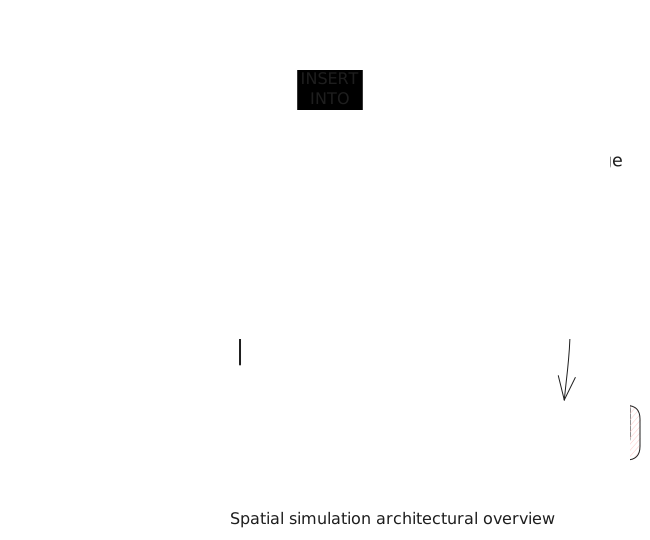 At a high level, the architecture separates orchestration from execution. A central Simulation Manager prepares and distributes work, while many Simulation Nodes execute that work in parallel. Heavy simulation outputs are written to blob storage, and structured metadata is written to Hive so the final dataset remains queryable and usable for training.
The Simulation Manager is the control plane for the pipeline. It validates the user configuration, expands that configuration into simulation scenes, persists those scene definitions, and submits work for execution across simulation nodes. It also coordinates publication of the metadata table through Presto so the dataset becomes visible only when the full run is ready.
Each Simulation Node is the execution plane. It consumes the scenes assigned to it, runs simulations in parallel, writes the generated audio and impulse response artifacts to blob storage, and emits metadata rows describing those outputs. This keeps expensive CPU work distributed while allowing storage and metadata generation to happen continuously alongside simulation.
This separation is important because the pipeline is scaling three different things at once: compute, output volume, and metadata. The manager handles coordination and consistency, the nodes handle parallel execution, blob storage absorbs large binary outputs, and Hive provides a structured index over the dataset.
The next subsections explain how the architecture addresses each scaling bottleneck in practice.
4.2 The Configuration Model Behind the Pipeline
Before getting into the runtime architecture, it is worth explaining the configuration model that made the pipeline practical. The system does not consume a static YAML file. Instead, users define generators inside the YAML and reference them from the scene configuration. Each time a scene is generated, those generators are resolved and used to materialise a concrete scene.
Some generators are independent, while others depend on the output of other generators. That makes the configuration a directed acyclic graph (DAG). To generate a scene, the system resolves the graph in topological order and uses the resolved values to populate the scene. On the next scene, the graph is resolved again, producing a new configuration.
This gave us a compact way to express variance in room geometry, source placement, listener placement, acoustic parameters, and more without hand-authoring millions of scenes. It also gave the rest of the architecture a clean interface: once the configuration is resolved, everything downstream operates on concrete scene objects.
On top of that, users can define constraints on generated values. A value is accepted only if it satisfies those constraints, which gives much finer control over which scene combinations are considered valid. These constraints can also refer to other generator outputs, which makes them dynamic rather than fixed.
This dependent-generator model is what made large-scale, high-variance scene generation practical in the first place.
4.3 Scene Generation and Work Distribution
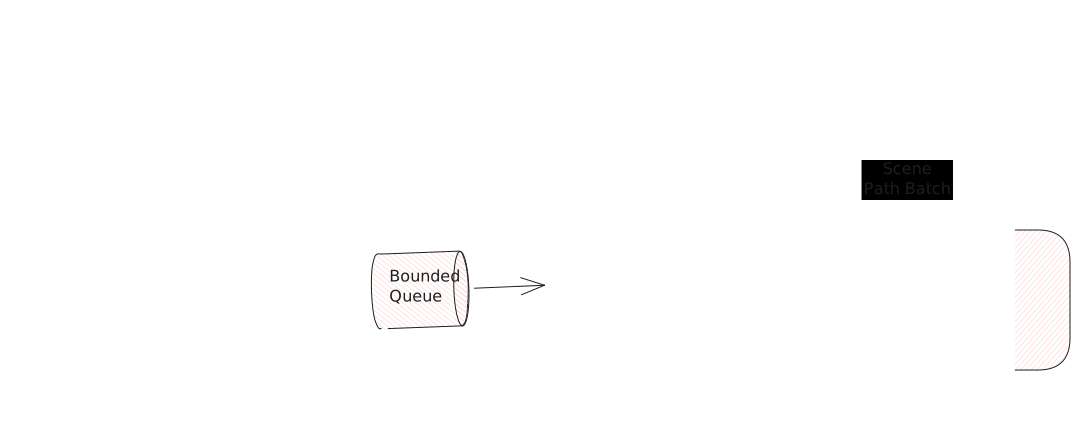 A simulation run starts with a YAML configuration. From there, the pipeline moves through scene generation, scene upload, and simulation scheduling in a streaming fashion:
- Generating scenes with back-pressure: the scene factory resolves the configuration and starts materialising scenes into a bounded queue. Once the queue is full, scene generation pauses until space becomes available again. This prevents generation from running too far ahead and exhausting memory.
- Uploading scenes to blob storage: the uploader drains the queue and uploads scene definitions to blob storage using a thread pool. Since uploads are I/O-bound, parallelism improves throughput and keeps scene persistence from becoming a bottleneck.
- Batching scenes for simulation: Scene paths are collected as uploads complete. When all scenes are ready, the paths are batched and dispatched to simulation nodes for processing.
Key reasons behind this design:
- Why pass scene paths instead of scene objects directly? Scene objects are relatively heavy, so passing paths is cheaper and creates a clean handoff between scene generation and simulation.
- Why use a queue instead of submitting work directly to the thread pool? The bounded queue is what provides back-pressure. Without it, if uploads are slower than generation, scene objects would accumulate in memory and eventually cause OOM at scale.
4.4 Parallel Simulation on Simulation Nodes
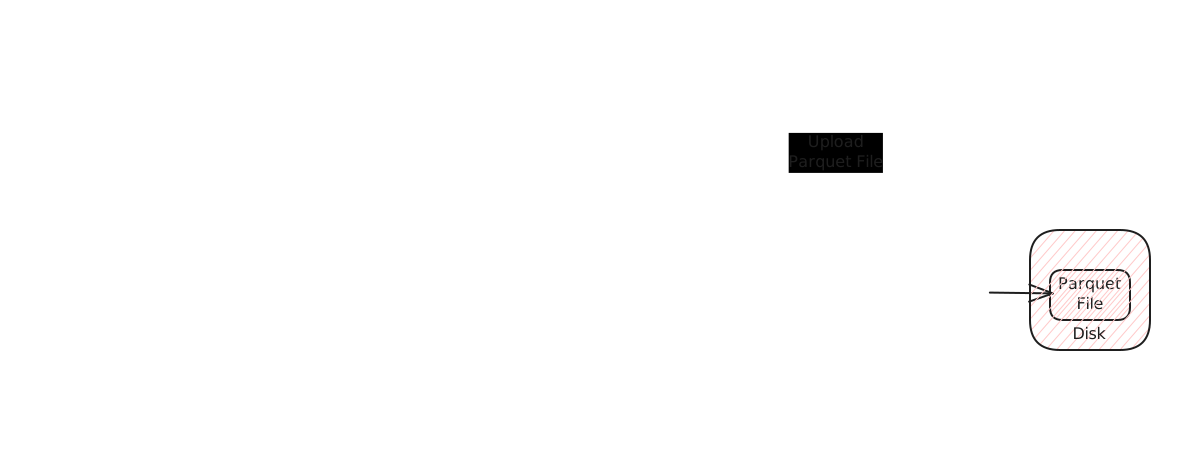
Each simulation node receives a batch of scene paths and is responsible for three things: running simulations, uploading outputs, and emitting metadata. These happen concurrently within the node to keep all three moving without waiting on each other.
-
Simulating scenes and uploading outputs: The node creates a process pool where each worker receives a single scene path. The worker loads the scene definition from blob storage, runs the simulation, and uploads the generated audio and IR files as they are produced — not after the simulation finishes. Each worker maintains a small upload thread pool so that I/O-bound uploads overlap with CPU-bound simulation. By the time a worker finishes a scene, all of its output artifacts are already in blob storage. The worker then pushes the scene’s metadata onto a shared metadata queue.
-
Batched metadata writes: As workers complete scenes, they push metadata onto a local queue. A dedicated consumer batches these and writes rows into a local Parquet file on the node.
-
Signaling completion: Once all scenes on the node are complete, the writer flushes any remaining metadata from the queue, closes the local Parquet file, and uploads it to blob storage in a single transfer. It then signals completion to the Simulation Manager. The manager waits for all nodes to finish before publishing the dataset (§4.6).
Key design decisions:
- Why upload during simulation instead of after? Buffering outputs until a scene completes would require holding all generated files in memory or on local disk. Streaming uploads as files are produced keeps memory usage constant per worker, which matters when workers are processing long signals or high sample rates.
- Why write one Parquet file per node? Having each node produce its own file means no cross-node coordination during the run — no locking, no conflict resolution. The trade-off — many small files — is resolved during the Hive upload step (§4.6).
4.5 Output Storage Strategy
Each simulation worker writes output artifacts directly to blob storage as they are produced (§4.4). The storage layout is designed so that no two workers ever write to the same path, and so that downstream consumers never need to traverse the directory tree themselves.
Directory layout:
<scene_start>_<scene_end>/
  scene_<index>/
    <listener_name>/
      RIR/
        anechoic.wav
        reverberant.wav
      SIG/
        <user_defined_mixture_name>.wav
        ...
Each simulation node receives a non-overlapping range of scene indices. That range becomes the top-level directory, giving every node an isolated namespace in blob storage — no cross-node coordination, no write conflicts.
Within a scene, outputs are organized by listener, then split into impulse responses (RIR) and signal outputs (SIG). RIR contains exactly two files — anechoic and reverberant — while SIG contains one file per mixture defined in the user configuration. Because mixture names are user-defined and unique within a scene, and listeners are unique within a scene, every file path in the tree is unique by construction.
Why this layout works at scale:
- No coordination on writes. Range partitioning means nodes write to disjoint subtrees. There is no locking, no conflict resolution, and no shared state between writers.
- No reliance on directory listing for access. Consumers reach files through the Hive metadata table, which stores full output paths. The directory structure exists to isolate writes and support recovery — not to serve as an index.
- File volume stays manageable per directory. With outputs nested under scene → listener → type, no single directory accumulates hundreds of thousands of files, which avoids performance degradation on listing operations during recovery scans.
4.6 Metadata Pipeline and Atomic Publication
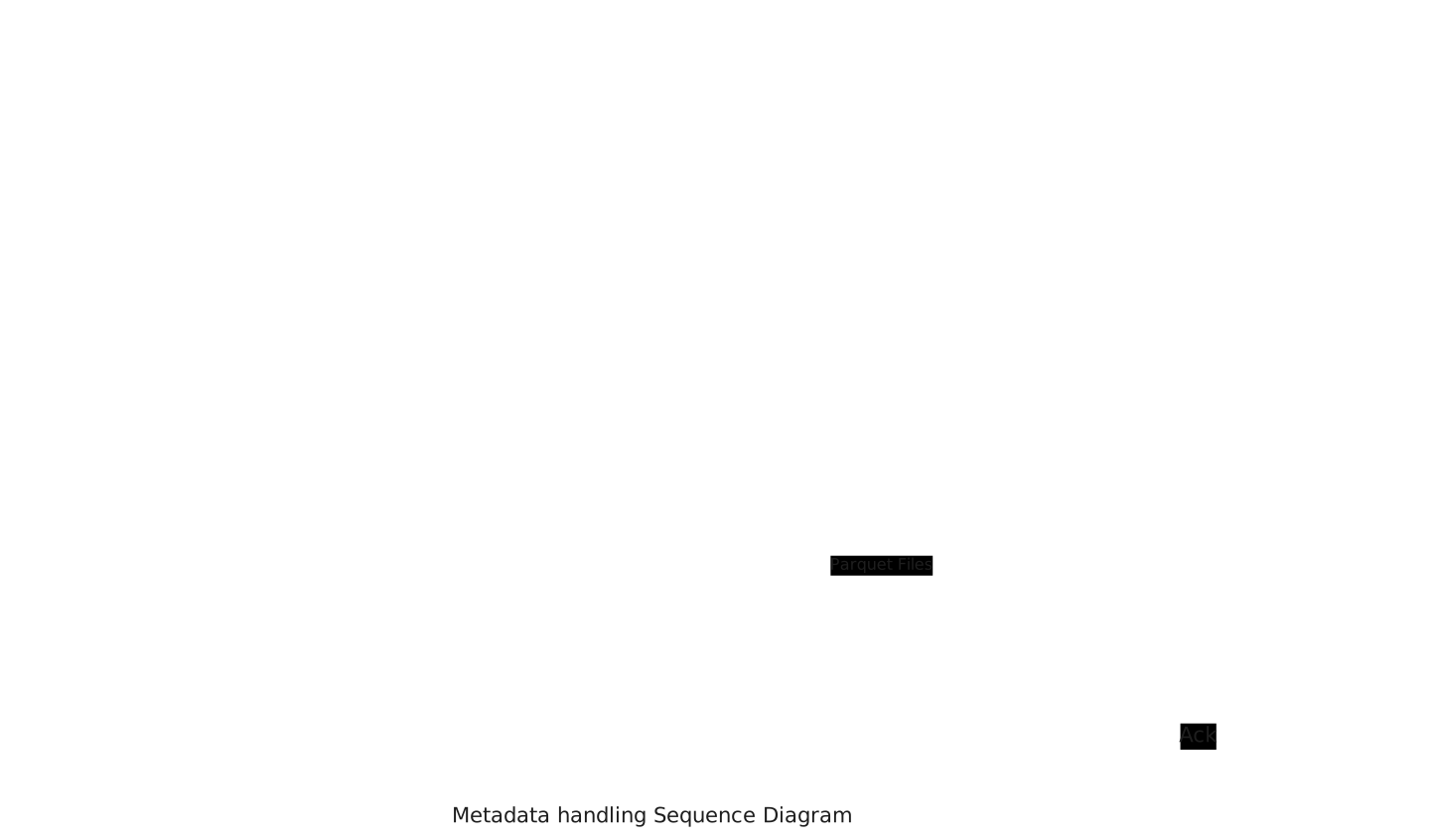
Each node accumulates metadata to local disk during its run, then uploads a single Parquet file to blob storage when done. The Simulation Manager then compacts these files and loads them into Hive to make the dataset queryable.
Writing metadata to blob storage
Each simulation node writes metadata rows to a local Parquet file as scenes complete. A queue decouples workers from the writer — metadata flows out without blocking simulation. When the node finishes, the file is closed and uploaded to blob storage in one transfer.
Compaction and Hive upload
Once all nodes finish, the Simulation Manager registers the raw Parquet files as a temporary external Hive table, then runs a single Presto query that reads from it and inserts into the target table. Presto compacts the data into optimally-sized files and writes them as a single partition. The temporary table and raw files are then cleaned up. The target Hive table is ready for querying — either in full, or not at all.
Why this works
Writing locally avoids per-row network calls during the run, keeping metadata writes cheap. The single upload at the end is predictable and bounded. A single Presto query then handles compaction and loading — no custom compactor needed. A recovered node re-runs its scenes and re-uploads its Parquet file (§4.7).
4.7 Failure Handling and Recovery
I’ve only talked about the happy path till now, let’s see into how the system should behave when things go wrong.
A quick note about Apache Airflow: Airflow supports task retries, so the pipeline design should take into account that simulation work may run again for the same scene range and if possible the work should be resumed from the last failure.
Simulation Manager Failure Handling Scene Generation: If the Simulation Manager goes down during scene generation, recovery is straightforward — since generation is deterministic, we can simply restart from the beginning. For uploads, scene filenames embed the scene index, so we can pinpoint the last successfully uploaded scene and resume from there, skipping what’s already in blob storage.
Simulation Node Failure Handling If a Simulation Node crashes mid-run, the simplest recovery is to restart the simulation from scratch. This works well because simulations are already highly distributed — the duplicated work per failure is minimal. It also avoids the complexity of checkpointing metadata across failures, which would otherwise add latency to every run, not just the failing ones.